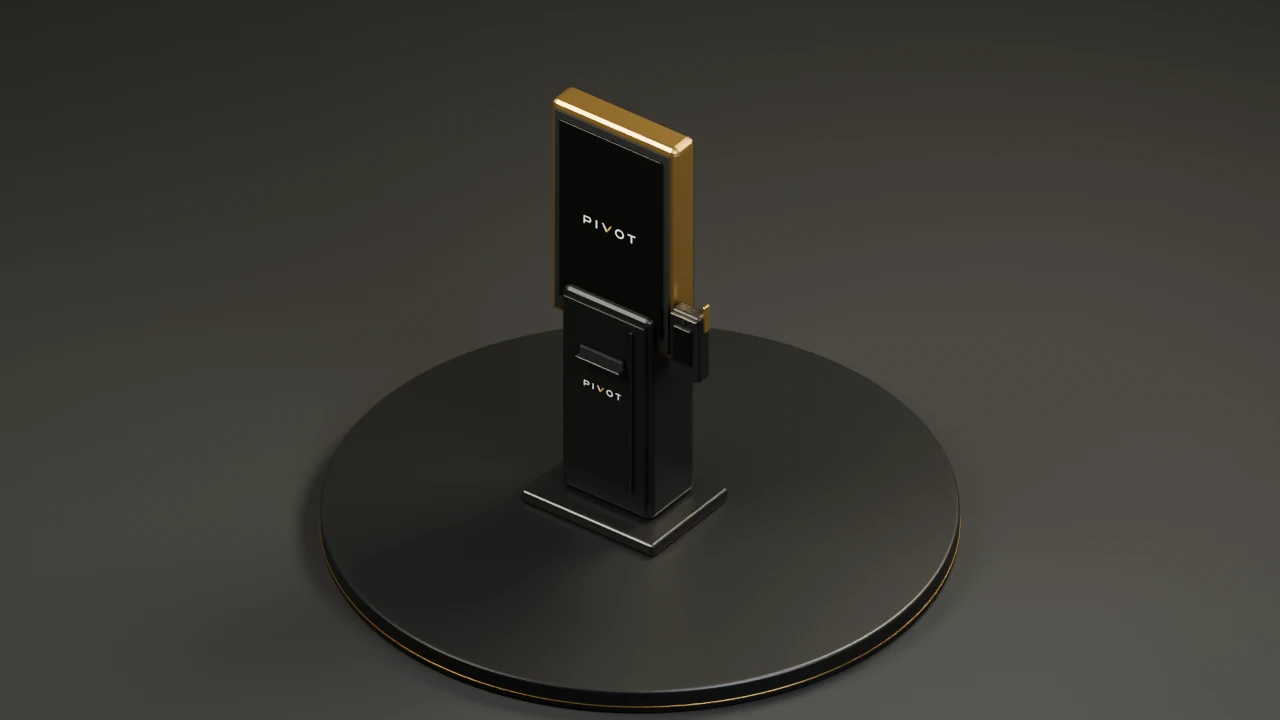
PIVOT / Interactive kiosks
Reception and concierge kiosk
A reception kiosk for finding information, services or human help.
Real companies, real projects
Work that speaks for itself.
 Pivot reference
 Carbonia reference
 Carbonia reference
 Carbonia reference
 Pivot reference
 Carbonia reference
 Pivot reference
 Carbonia reference
 Carbonia reference
 Carbonia reference
 Carbonia reference
 Carbonia reference
Pivot references and projects presented by Carbonia. Each brand is attributed to its team; select a logo to view its source.
PURPOSE BEFORE TECHNOLOGY
A reception kiosk for finding information, services or human help.
Find information, choose a service or request help from a person.
The on-site journey
A visitor finds hours and the correct desk without searching several notices.
For teams and visitors
Hotels, offices, public venues and institutions.
The connected tools
Directory, content, languages and service handover.
A CONNECTED SOLUTION
The place. The tools.
One connected project.
Equipment to install
- Display
- Audio as needed
- Floor or counter mount
Variants of the same model
- Self-service or assisted reception
- Site directory, services and guidance
- Languages and help channels to define
Software and connections
- Directory, content, languages and service handover.
PURPOSE BEFORE TECHNOLOGY
See the journey
in context.
Interactive examples with synthetic data. Each project defines its own journey.
Shopping centre: Provide the right information
Choose a need and reach information or human assistance.
Explore this journeyHotel: Provide the right information
Choose a need and reach information or human assistance.
Explore this journeyTourism destination: Provide the right information
Choose a need and reach information or human assistance.
Explore this journeyFROM REQUIREMENTS TO COMMISSIONING
A clear scope.
Concrete progress.
A reception kiosk for finding information, services or human help. A visitor finds hours and the correct desk without searching several notices.
- 01
Define the site and journey
Hotels, offices, public venues and institutions. A visitor finds hours and the correct desk without searching several notices.
- 02
Choose the configuration
Self-service or assisted reception. Site directory, services and guidance. Languages and help channels to define
- 03
Validate connections and tests
Directory, content, languages and service handover. The proposal defines final scope, installation and support.
TO DEFINE THE PROJECT
The right questions.
From the start.
Which formats are available for reception and concierge kiosk?
Self-service or assisted reception. Site directory, services and guidance. Languages and help channels to define
How does this solution connect with our tools?
Directory, content, languages and service handover. APIs, permissions and responsibilities are defined with your team.
Which specifications are confirmed?
Options describe the scope to assess. Dimensions, certifications, compatibility, availability and services are confirmed in the proposal.
YOUR CONTEXT IS OUR STARTING POINT
Let’s define your
initial scope.
Tell us about your reception and concierge kiosk requirements, the location and your existing tools. You can start without choosing a model.
Prepare my project